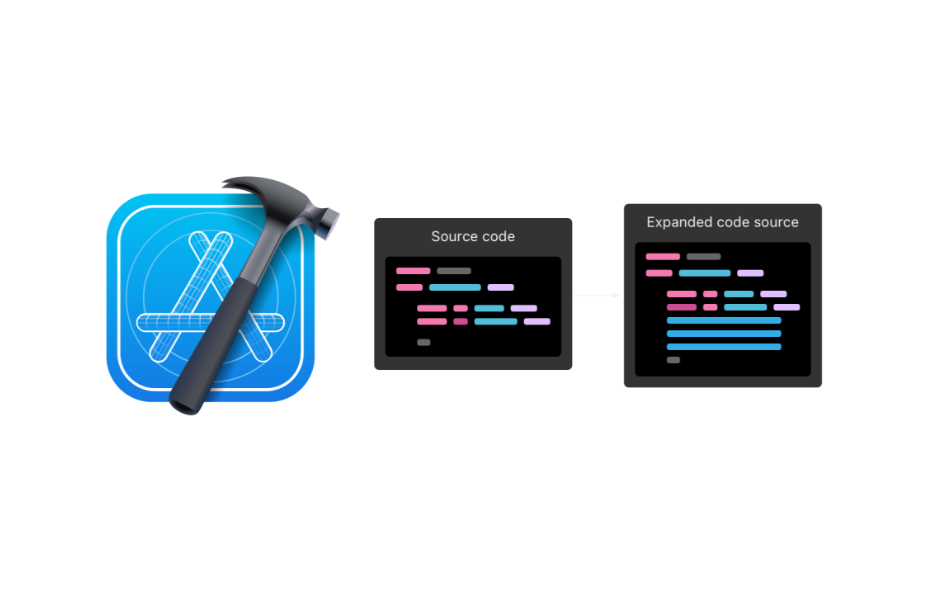
It is easy to think macros are the solution to anything when you read the first sentence of the Applying Macros documentation page on the Apple Developer website:
Swift macros help you avoid writing repetitive code in Swift by generating that part of your source code at compile time.
Having the ability to generate code when needed by manipulating attribute-like elements in your code is almost too good to be true. In that, Swift Macros are an equivalent to .Net source generators.
However, even though I was able to publish CiderKit.Macros, as you’ll see in this post it’s not all sunshine and roses.
I’ve been struggling for almost two years with migrating CiderKit’s codebase to Swift 6 and supporting Strict Concurrency. And recently, I encountered an issue with the Sendable types I use to convey data back and forth between the editor and game engine parts of the project.
As you may know, Sendable classes can only contain let properties, whose values are constant. However, I needed a way to produce modified versions of the data whenever a change was made on a map in the editor. And the game engine has to react to that change, so I had to implement some kind of versioning system.
The main issue is that I have a lot of Sendable types in CiderKit. And it quickly became apparent that this would require a lot of code to write. And a lot of very similar code, with many functions returning the same data with one property modified.
A perfect situation for macros.
As for many niche corners of the Apple ecosystem, finding relevant documentation for macros is not straightforward. You may start looking into the Apple Developer website, but there isn’t much besides information of some existing macros. But nothing directly related to writing your own macros.
You have to land on the official Swift documentation to find the first actual relevant information. However, it remains fairly superficial with some samples and a general overview of the process. This page is linking the SwiftSyntax repository, from which you end up on its documentation.
SwiftSyntax is the package used by many Swift modules, including the compiler, to represent an abstract syntax tree (AST) of Swift source code. This is a critical piece of our journey, as macros interact directly with the AST. SwiftSyntax’s repository offers also a link to the Swift AST Explorer, a very useful tool to visualize the syntax elements produced by the code you’re modifying.
But still nothing concrete or exhaustive on how to write macros. If you’re lucky, after many searches, you will find the SwiftSyntaxMacro documentation (which is actually a subset of the SwiftSyntax documentation, but well hidden).
Unfortunately for me, I found this documentation and the AST Explorer after having completed my work on CiderKit.Macros. Don’t do the same mistake I did!
Swift Macros are executed at compile-time and generate some code. You cannot debug them alongside your app. As far as I know, your options to fix your macros are limited, but I may have missed a key debugging solution along the way.
Several pieces of advice:
assertMacroExpansion method can be a bit finicky with the indentation of the produced code.As a complementary note, keep in mind that a macro only gives you access to the source file that contains it. You can’t modify ASTs of other files.
Learning how to write Swift macros has a steep learning curve at the start. That’s unfortunate. But, in the end, macros are very powerful and you should definitely investigate them if you have a lot of boilerplate or similarly replicated code in your project. I hope this post will give a headstart to some of you by pointing in the right direction.


